
Faster material matching
Instead of scrolling endless catalogs, you start with the look you already have — color, veining, finish — and pull similar marble, granite, onyx, travertine, and quartzite listings.
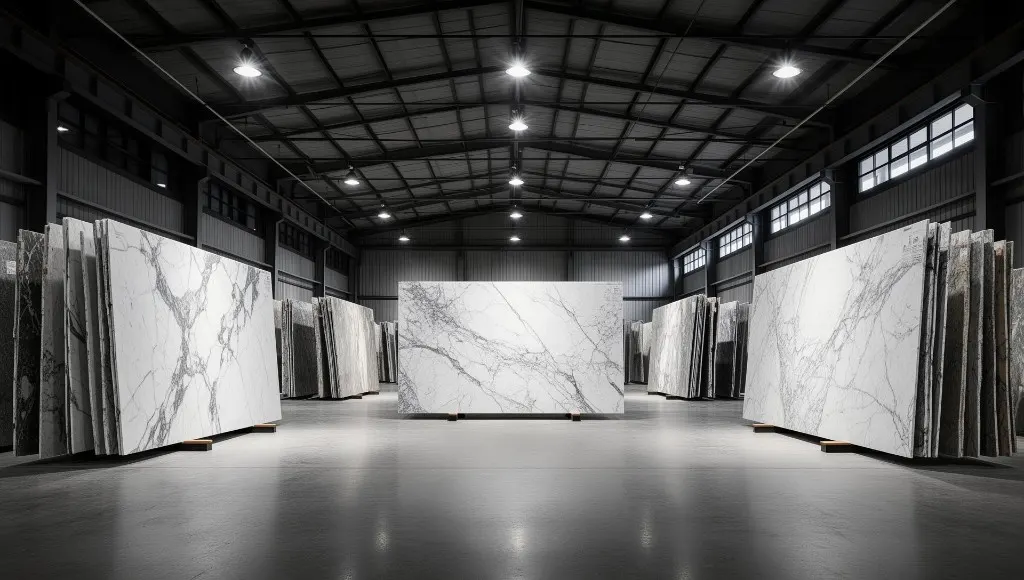
Free B2B sourcing tool
Saw marble or granite in a hotel, showroom, or project photo? Describe the look, upload a reference image, and shortlist similar stones from verified suppliers — then inspect, RFQ, sample, and order.
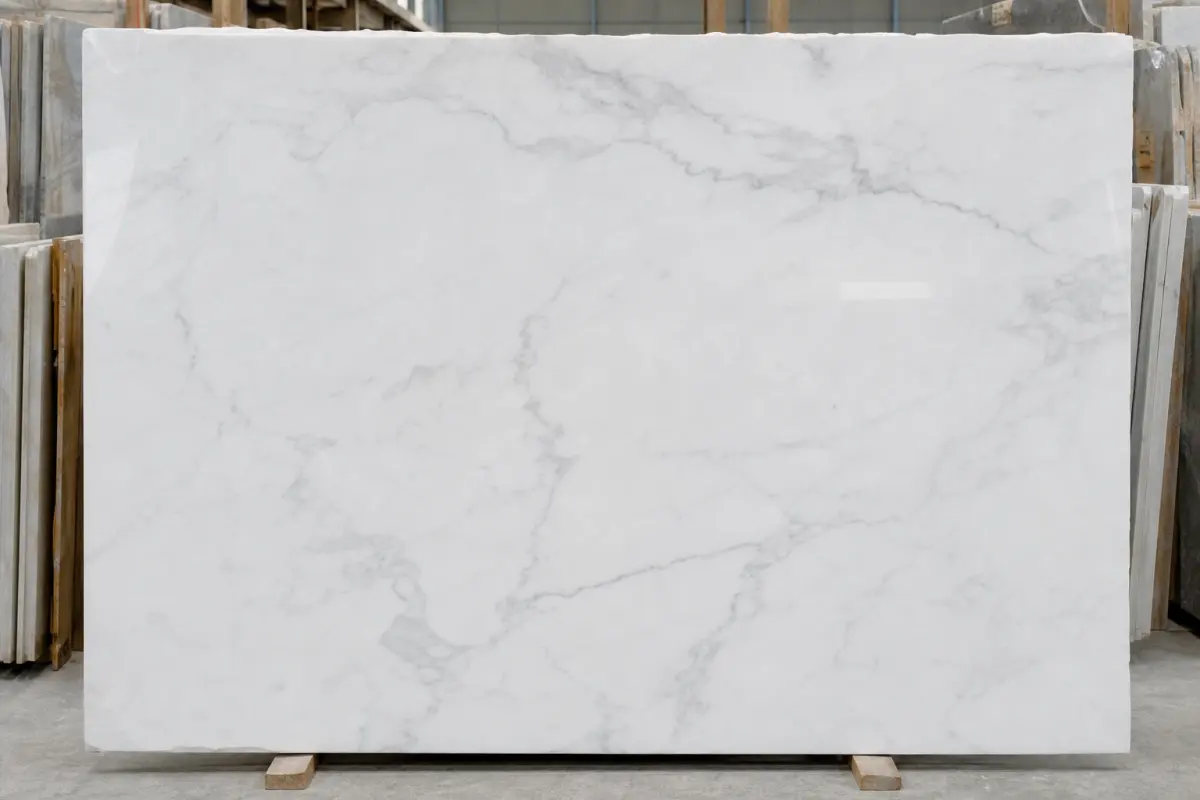
What you get
Results open into high-res listings so you can compare veining, finish, origin, and supplier credibility before sending an RFQ.
Why buyers use it
Cross-border stone sourcing often starts with a phone photo, a hotel lobby memory, or a mood board — not a quarry SKU. Stone Inspector bridges that gap so architects, contractors, and importers can move from reference to verified inventory faster.
Instead of scrolling endless catalogs, you start with the look you already have — color, veining, finish — and pull similar marble, granite, onyx, travertine, and quartzite listings.
Matches prioritize verified suppliers with live product photography. You inspect before you inquire, then request samples when finish or tone must be confirmed for a project.
Every useful match leads into the StoneVaults loop: high-res inspection, structured RFQ, sample if needed, then order — not another dead-end WhatsApp thread.
How Stone Inspector works
Upload a hotel, showroom, or site photo. Add stone type, finish, and color words buyers actually use.
We search verified-supplier listings for similar names, descriptions, categories, and origin clues.
Open product pages for high-res media, specs, and supplier context before you shortlist.
Send quantity, finish, and shipping notes to the right supplier — then sample and order when ready.
For professional stone buyers
Stone Inspector helps hospitality developers, interior architects, fabricators, and importers identify lookalike natural stone when the commercial name is unknown. Whether you need Calacatta-style whites, grey-veined marble, black granite, honey onyx, or travertine for flooring and cladding, the tool turns visual references into searchable marketplace demand.
Use it alongside the StoneVaults marketplace filters and product pages. Matching is guided by the details you provide plus live catalog content from verified quarries and exporters — so you stay inside one sourcing path from discovery to quote.
Tip: include finish words (polished, honed, leathered) and project context (countertop, lobby wall, bathroom vanity). Those clues improve match quality and help suppliers quote faster once you open an RFQ.
FAQ
Today the photo keeps your visual reference while matching uses the type, color, finish, and notes you enter against live verified listings. That keeps results commercial and inspectable — not a black-box guess.
Yes. That is the main use case. Upload the photo, describe color and finish as best you can, then review similar inventory and open listings for high-res inspection.
Yes. Results prioritize active listings from verified StoneVaults suppliers so you can move into RFQ and sampling with clearer trust signals.
Open the product page, confirm specs and media, then send a structured RFQ. Request a sample when tone or finish is critical, then proceed to order.
Keep sourcing
After you shortlist lookalikes, use the stone calculator for area and weight, then browse full filters for origin and category.